Quick Start
Excalibur uses a theater-style metaphor to organize your game projects. There are 'Actors' which can move around and do things in a 'Scene'. Every Actor and Scene lives inside the Engine container.
Creating a game project
The fastest way to get an Excalibur project up and running is by using our CLI tool (you'll need to install npm first).
sh
sh
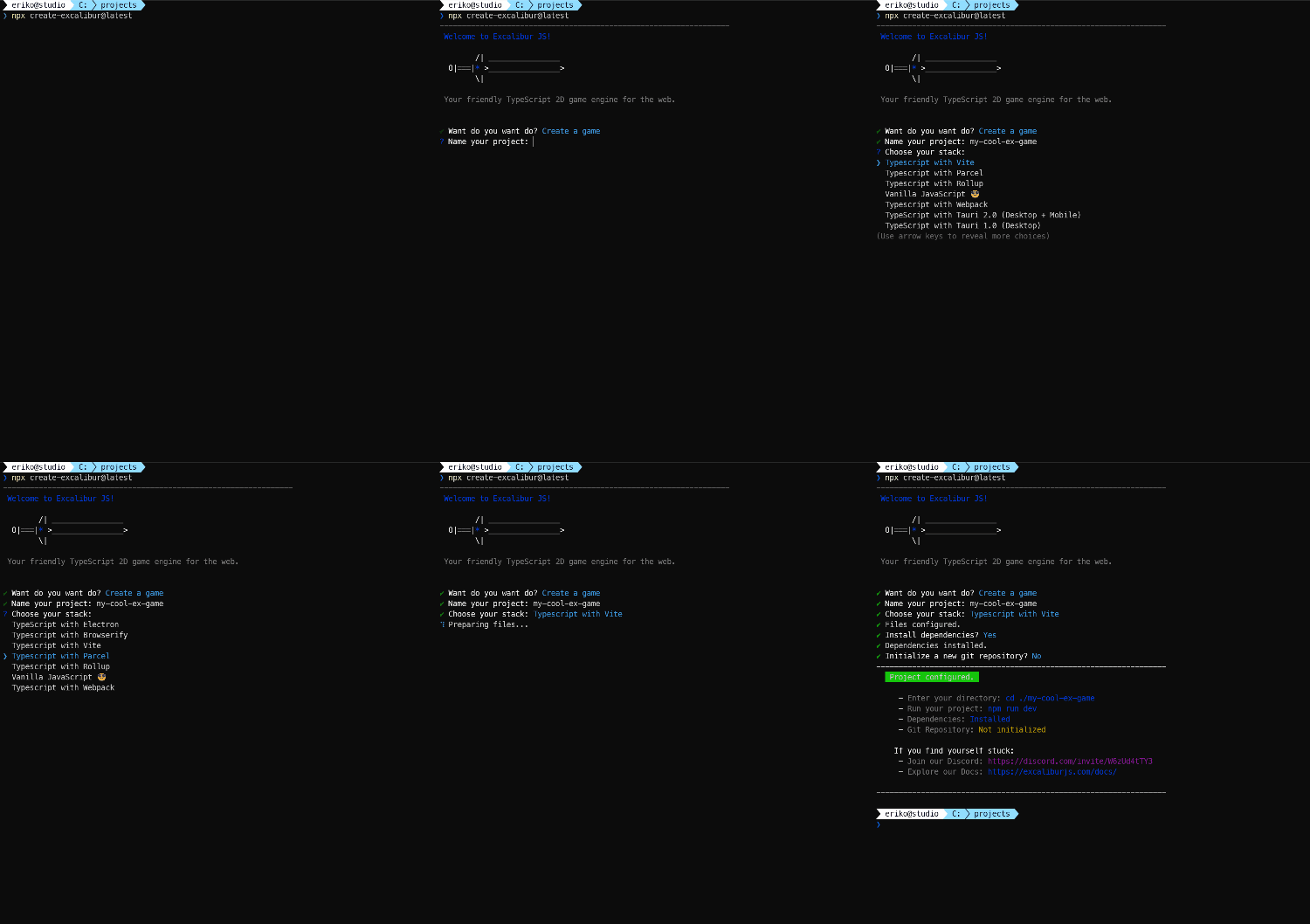
All of the quickstart templates the CLI tool supports are open source and available on GitHub.
Running the game
The generated project template will come with all the pieces you need to build a game! To run the game in a browser, you can use the following command:
sh
sh
You'll see a basic game template in your browser similar to the gif below.
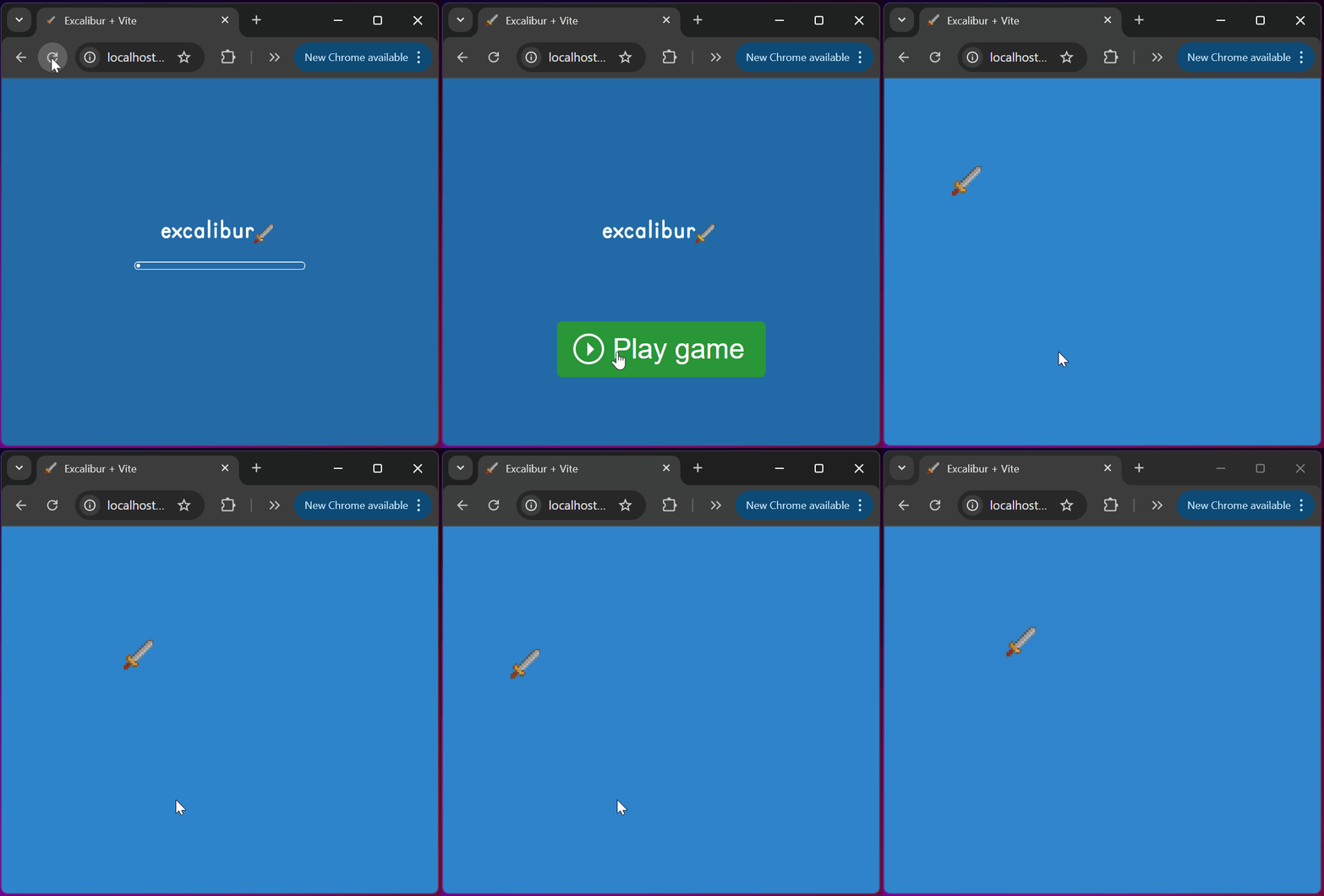
Game template overview
Engine
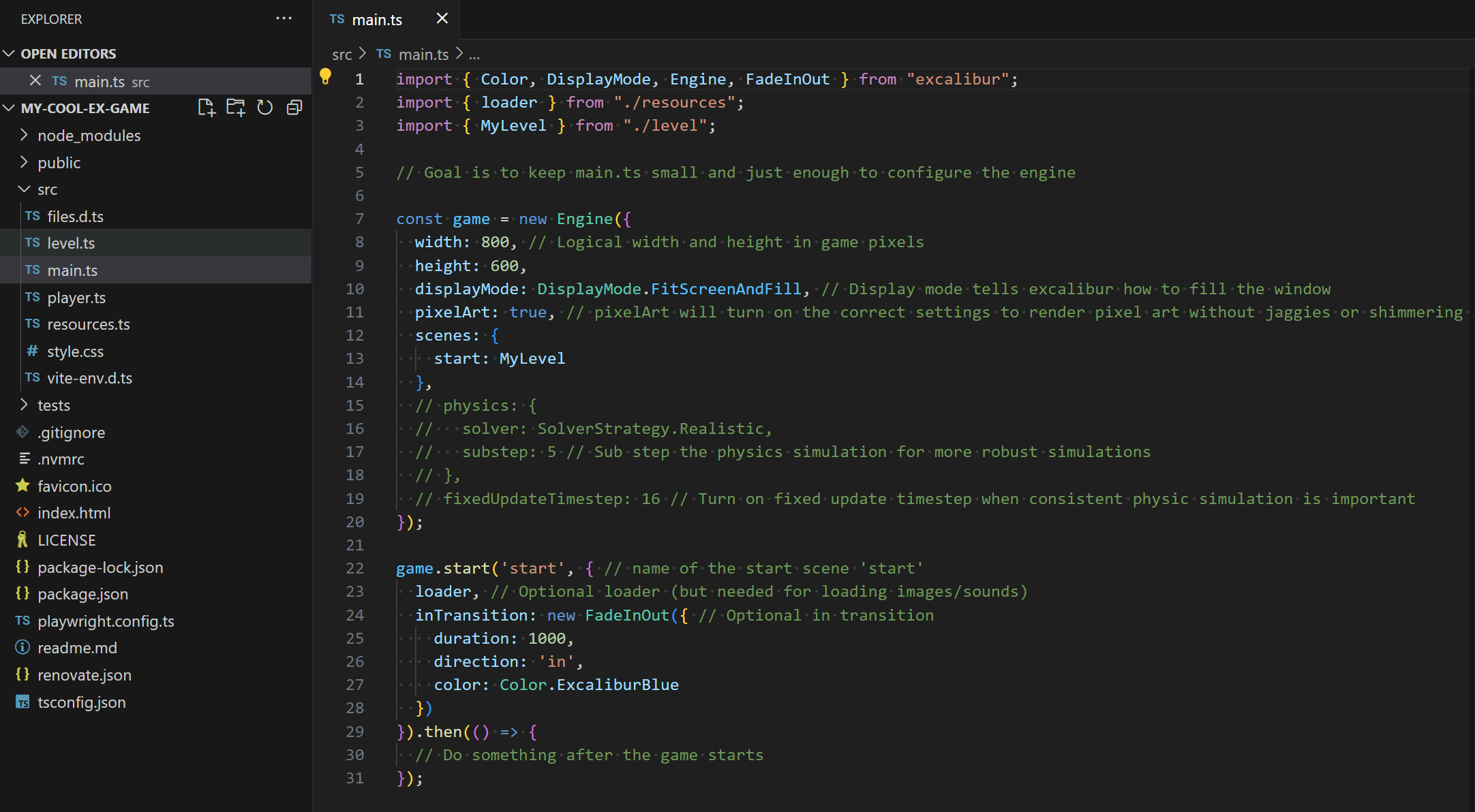
The Engine is the main driver for the game, and is typically configured in the entrypoint main.ts file. Read more about the Engine.
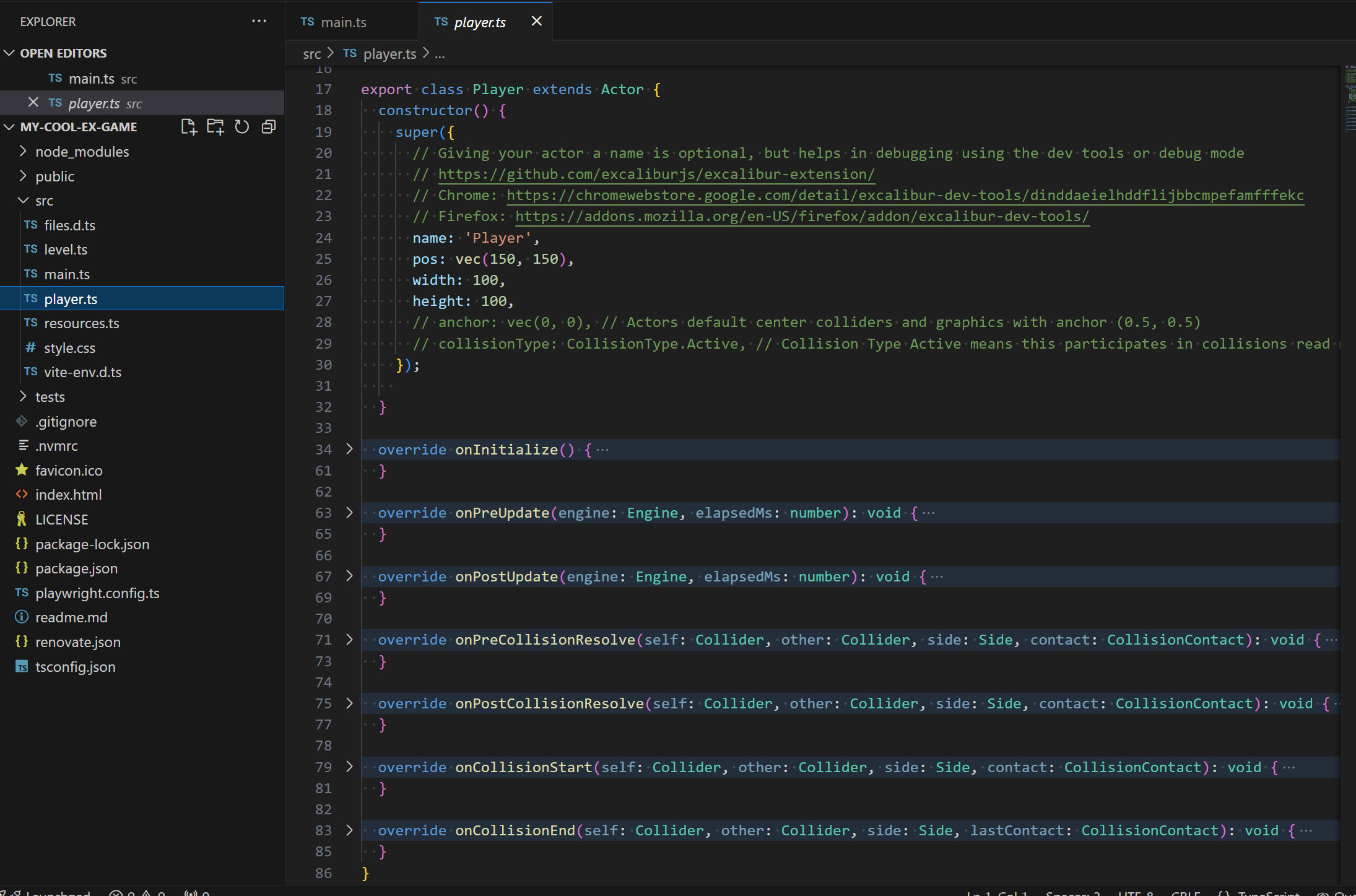
Actors
Actors are the primary building blocks of a game. They can draw graphics, collide with each other, respond to events, and more! Read more about Actors.
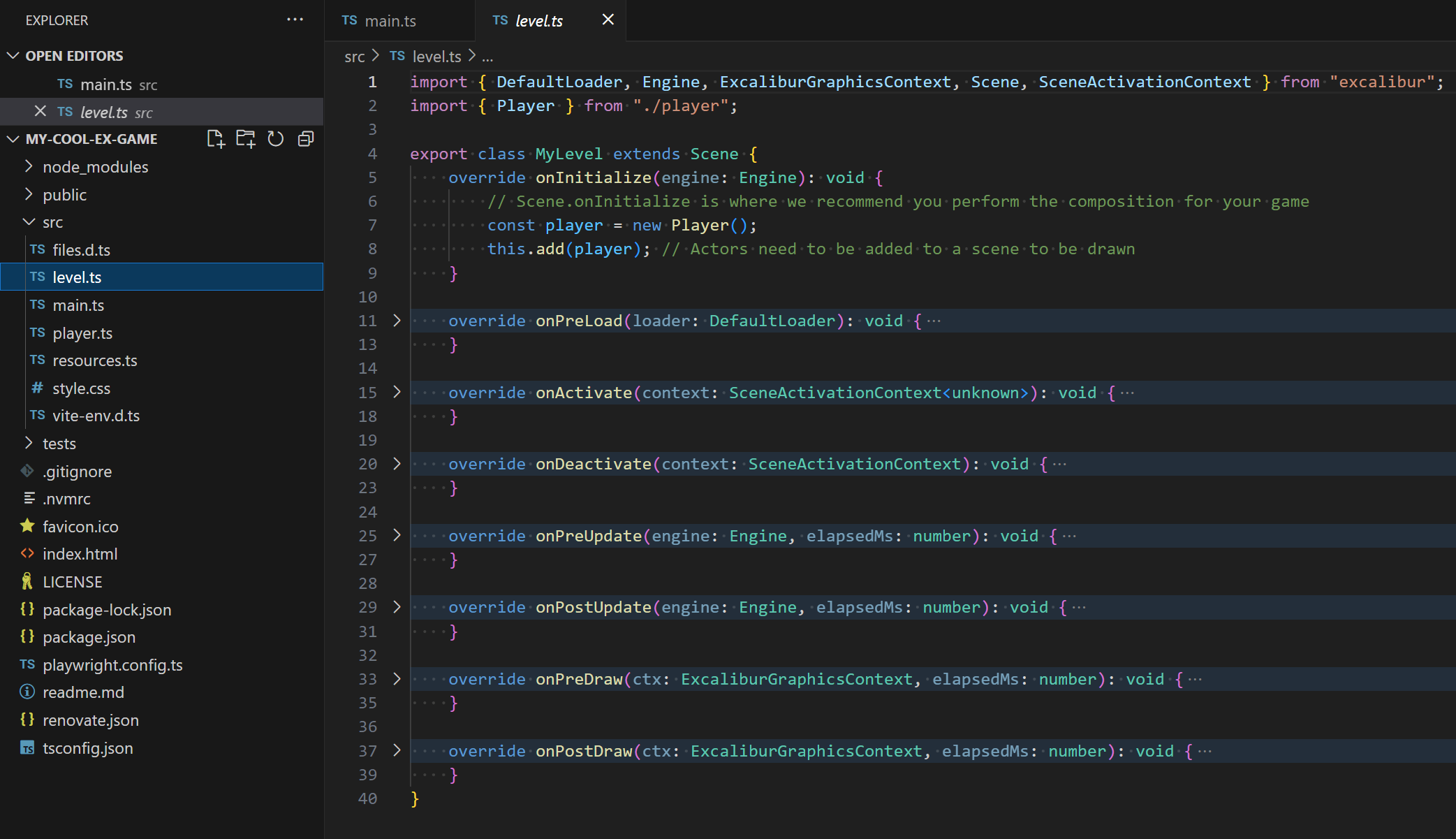
Scenes
Scenes used to compose Actors together into "levels". Read more about Scenes.
Debugging tools
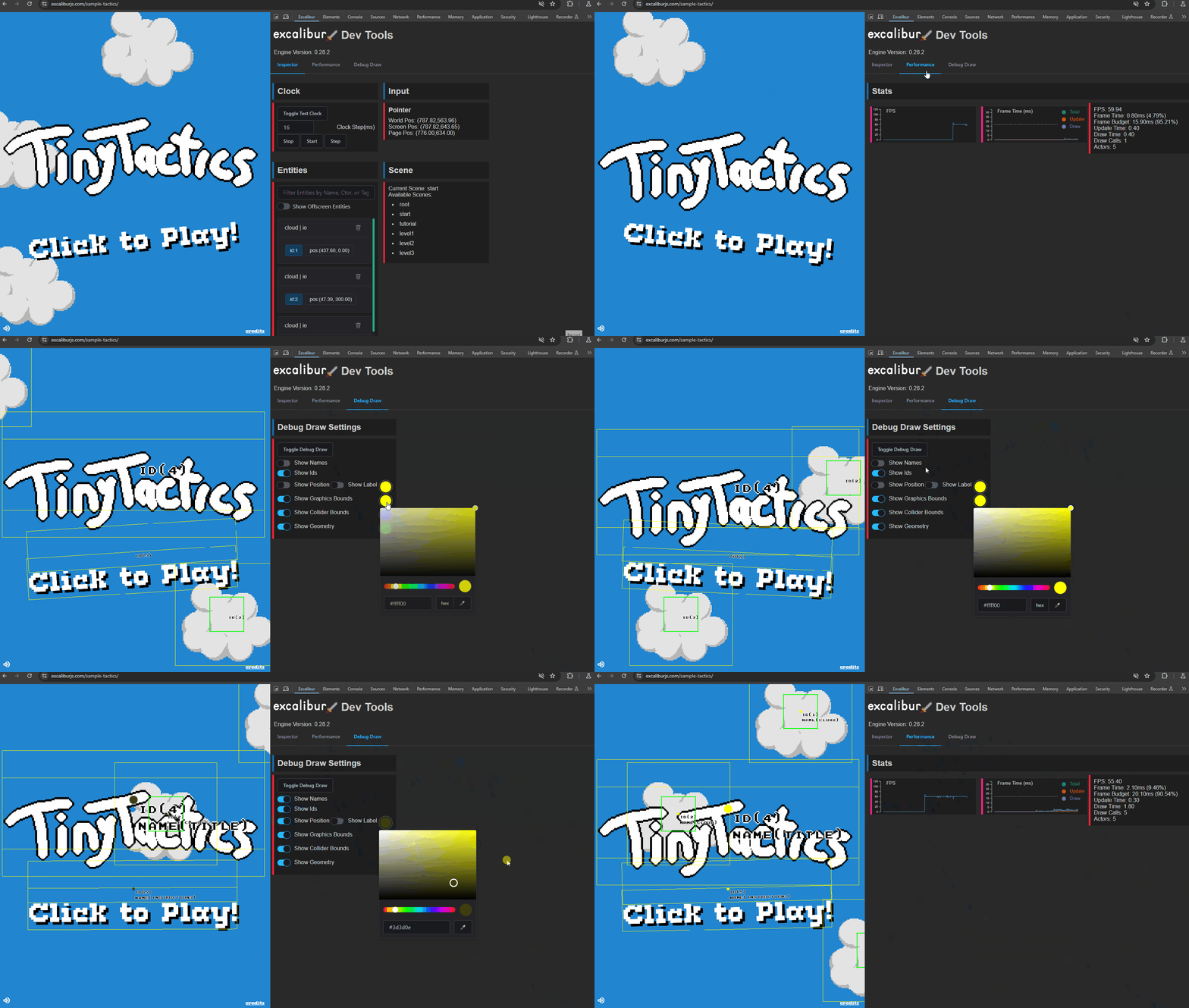
We also publish Firefox and Chrome debugger extensions to make debugging your games easier!